


3D print not sticking to the print bed? The 10 most common reasons & solutions for top adhesion
If your 3D print doesn't properly adhere to the print bed, it leads to warped edges, failed projects, and wasted material. In this guide, we reveal why adhesion problems occur in 3D printing and provide you with practical solutions. First, we highlight the ten most common causes, then show you how to perfectly clean and level your print bed. Next, we optimize your print settings, look at filament and model factors, introduce external adhesives and environmental measures, cover effective warping prevention, and round it off with a step-by-step checklist for a flawless first layer.
Why doesn't my 3D print stick to the print bed? An overview of the most common causes
Adhesion problems occur when the melted filament cannot form a strong bond with the print bed. Uneven cooling, dirt, and incorrect settings are often the culprits that cause edges to curl or the model simply not to stick. Think of adhesion as the absolute foundation for every successful print: Without a firm hold, you risk warping, layer shifts, and a complete print failure.
What does adhesion mean and why is the first layer so crucial?
Adhesion describes the attraction between the applied plastic and the surface of the print bed, which is created by the correct temperature and the right pressure. A well-adhering first layer is the key to stability, prevents unwanted movements, and forms the foundation for all subsequent layers. With a precisely adjusted Z-offset and a slow print speed, you ensure an even material application and minimize adhesion problems from the start.
The importance of adhesion in 3D printing – concise and clear
Adhesion, the attraction between the applied plastic and the print bed surface, is absolutely crucial for the stability of the first layer and prevents the model from moving during printing. Good adhesion is therefore essential for all subsequent layers.
Author unknown, 3D printing not sticking to the print bed? The 10 most common reasons & solutions for top adhesion,
The adhesion of the first layer is the cornerstone of your 3D print's success, as it forms the foundation for the stability of the entire printed object.
What role does warping play in adhesion problems?
Warping is the unsightly distortion of corners or edges of a printed part caused by uneven cooling and material shrinkage. If adhesion to the print bed is insufficient, the model lifts at the edges and the filament starts to curl. Effective warping prevention always begins with reliable adhesion to keep the model flat on the build platform throughout the entire printing process.
Causes of warping and how to prevent it – simply explained
Warping, the distortion of printed parts, occurs due to uneven cooling and material shrinkage. To avoid warping, good adhesion to the print bed is essential so the model stays flat on the build platform during the entire print.
Author unknown, 3D printing not sticking to the print bed? The 10 most common reasons & solutions for top adhesion,
Preventing warping starts with ensuring your print adheres reliably to keep the model stable throughout the entire printing process.
How do I optimally prepare and clean my print bed?
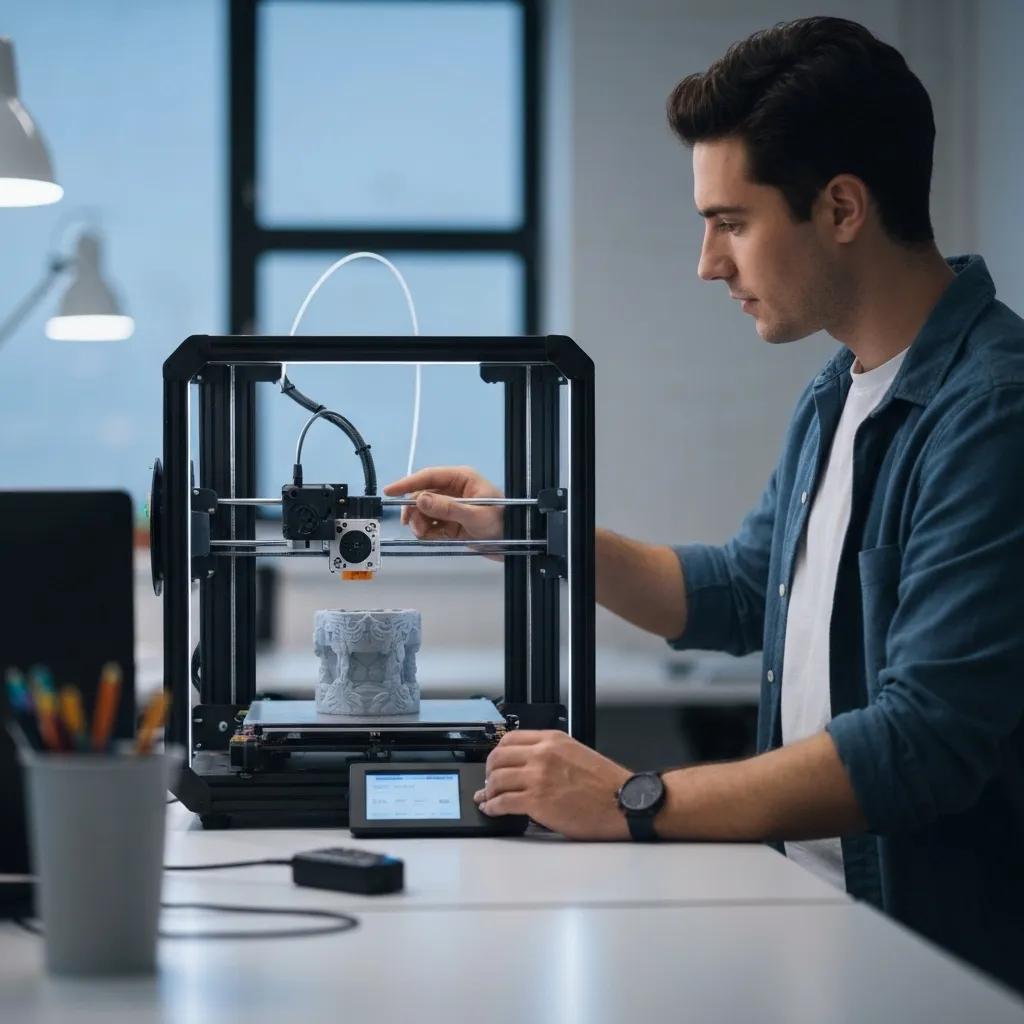
A spotless and perfectly leveled build platform is the basic requirement for strong adhesion. Contaminants like dust or grease reduce the contact area and hinder the material's attraction. Clean, level your print bed, and replace it if necessary before starting the print.
Why is a clean print bed so important for adhesion?
Dust and fingerprints prevent direct contact between the filament and the surface, leading to uneven adhesion. By thoroughly cleaning with isopropyl alcohol or a mild soap solution, you remove grease marks and deposits so the filament lies flat and adheres optimally. A clean bed reduces adhesion problems and ensures even melting of the material.
How do I properly level the print bed and set the Z-offset?
For precise calibration, check the distance from the nozzle to the bed using a sheet of paper or a feeler gauge. Proceed as follows:
- Bring the heated bed and nozzle to your working temperatures.
- Measure the distance at the four corner points one after the other.
- Adjust with washers or knurled screws until the paper just slides between the nozzle and the bed.
- Set the Z-offset in the firmware so that the first layer is slightly compressed.
With a perfectly aligned bed and the correct Z-offset, the extruder ensures a consistent filament application, which directly increases adhesion and minimizes adhesion problems.
What to do if the print bed is uneven or damaged?
If your build platform is warped, cracked, or heavily scratched, even the best calibration cannot guarantee adhesion. Switch to a flexible PEI coating, a glass plate, or a BuildTak sheet. In stubborn cases, only replacing the heating plate restores a flat surface and ensures even adhesion.
Which print settings improve first layer adhesion?
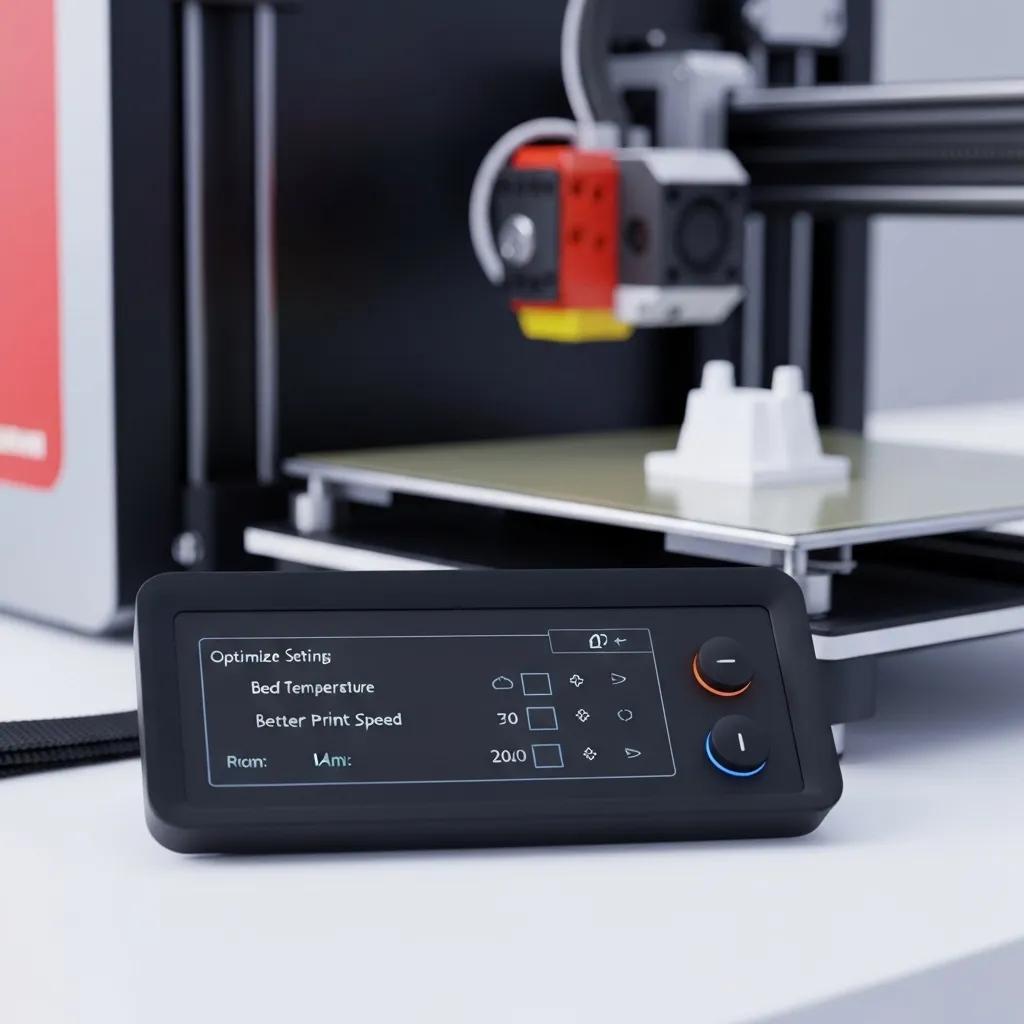
Optimal temperatures, reduced speed, and adjusted cooling increase the attraction between filament and print bed. With special settings for the first layer, you achieve a clean contact area and avoid unwanted detachment.
How do I choose the right bed and nozzle temperature for my filament?
The following table shows recommended temperatures for common filaments and how these settings improve adhesion:
| Filament | Bed temperature | Nozzle temperature | Adhesion effect |
|---|---|---|---|
| PLA | 50–60 °C | 200–210 °C | Even melting and smooth application |
| ABS | 90–110 °C | 230–250 °C | Reduced shrinkage at high temperatures |
| PETG | 60–75 °C | 230–240 °C | High adhesion through optimal flowability |
Why should the print speed of the first layer be reduced?
A lower speed gives the filament more time to bond well and build an optimal contact area. At 20–30 mm/s, the material is distributed evenly, increasing the adhesion area and avoiding gaps. By carefully reducing the print speed, you improve adhesion stability, and your model stays firmly on the platform.
Optimizing print settings for better adhesion – the key points
Reducing the print speed of the first layer to 20–30 mm/s allows the filament to optimally bond with the print bed, increasing the adhesion area and avoiding gaps. Cooling also plays a role, as too strong cooling immediately after extrusion can impair adhesion.
Author unknown, 3D printing not sticking to the print bed? The 10 most common reasons & solutions for top adhesion,
By adjusting print speed and cooling, you can noticeably improve the adhesion of the first layer and thus enhance the quality of your print.
How does cooling affect the adhesion of the first layer?
Strong fan cooling immediately after extrusion can cause rapid solidification and prevent adhesion. Disable the part fans for the first layers or reduce their power to 0–30%. This way, the filament cools more slowly, bonds better with the print bed, and forms a stable base for further printing.
Which filament and model factors influence adhesion?
Adhesion problems often originate from material properties or unfavorable model geometries. The shrinkage and shape of the object largely determine how well the filament sticks to the bed.
Why doesn't my filament adhere properly? Material properties and warping tendency
Filaments differ in their shrinkage behavior and flowability. PLA shrinks little, ABS tends to warp due to strong temperature influences, PETG sticks very strongly. An example: ABS edges lift during rapid temperature changes, while PLA usually adheres reliably at lower temperatures. Therefore, always consider the shrinkage properties when buying filament to prevent adhesion problems.
How does the model geometry affect adhesion?
The contact area is crucial for whether an object adheres well. Small contact areas detach more easily from the bed. Use the following techniques:
- Brim creates a border that increases the contact area.
- Raft builds a support structure beneath the model.
- Skirt circles the outline to check print flow and adhesion.
Using brim or raft creates a larger contact area for the model and prevents detachment at narrow points.
Which external aids and environmental conditions improve adhesion?
Additional adhesives and controlled environmental factors complement the basic optimizations. They increase adhesion and reduce warping, especially with demanding materials.
How do adhesives like glue sticks, hairspray, and 3D lacquer help?
Adhesives apply a thin, sticky layer to the print bed:
- Glue stick spreads a solid adhesive layer and increases contact adhesion.
- Hairspray forms fine polymer fibers to which the filament "hooks".
- 3D lacquer reacts to heat and chemically bonds with the filament.
Using adhesives to improve adhesion – the simple method
Adhesives like glue sticks, hairspray, or 3D lacquer can improve adhesion by creating a sticky layer on the print bed. These aids are especially useful with difficult materials and enable even sticking on glass or PEI surfaces.
Author unknown, 3D printing not sticking to the print bed? The 10 most common reasons & solutions for top adhesion,
The use of adhesives is an effective method to improve adhesion and thus reduce the likelihood of print failures.
What advantages do special print bed surfaces like PEI, glass, or BuildTak offer?
The following table compares common print bed surfaces:
| Surface | Material property | Advantage |
|---|---|---|
| PEI sheets | High chemical adhesion | Excellent adhesion without additional agents |
| Glass plate | Smooth ceramic surface | Even heat distribution and smooth underside |
| BuildTak | Abrasion-resistant coating | Permanent roughness for stable material hold |
Importance of the print bed surface for adhesion – an overview
Different print bed surfaces like PEI sheets, glass plates, or BuildTak offer various advantages regarding adhesion. For example, PEI provides high chemical adhesion, while glass enables even heat distribution.
Author unknown, 3D printing not sticking to the print bed? The 10 most common reasons & solutions for top adhesion,
Choosing the right print bed surface can significantly influence adhesion and thus improve the quality of your 3D print.
How do room temperature, drafts, and print chamber affect adhesion?
A constant ambient temperature prevents rapid cooling.
- Drafts can cool the edges, promoting warping.
- An enclosed print chamber retains heat inside and reduces temperature fluctuations.
- Room temperatures around 20–25 °C are ideal to minimize warping.
Controlling drafts and ambient temperature supports adhesion and improves print quality.
How can I effectively prevent warping in 3D printing?
Warping leads to poor adhesion and faulty prints. With targeted measures in settings and environment, you minimize warping and keep your models flat on the build platform.
What causes warping and how can I recognize it?
Warping occurs due to temperature differences in the printed part.
- Rapid cooling at the edges
- Uneven heat distribution of the heated bed
- Small contact area
Symptoms are lifted corners and slanted layers, visible already from the second or third layer.
Which print settings and environmental measures reduce warping?
The following table shows measures against warping:
| Measure | Effect | Why important |
|---|---|---|
| Increased bed temperature | Even heat distribution in the part | Prevents rapid edge cooling |
| Enclosed chamber | Stable ambient heat | Avoids drafts and temperature fluctuations |
| Brim or raft | Increased contact area | Reduces lever forces at the edges |
This combination of print and environmental settings effectively prevents warping and ensures reliable print results.
Which checklist helps me achieve a perfect first layer?
A structured preparation and precise slicer settings guarantee strong adhesion from the start.
What points do I need to check before starting the print?
- Clean the print bed with isopropyl alcohol or soapy water.
- Align build platform and correctly set Z-offset.
- Check filament quality and dry if necessary.
- Temperatures of nozzle and heated bed adjusted according to material recommendations.
By systematically checking off these points, you ensure that your model can firmly adhere to the print bed and save yourself post-processing.
How do I optimize slicer settings for the first layer?
- First-Layer Speed: 20–30 mm/s for a clean application.
- Layer Height: 0.2 mm or 120% of the nozzle opening for strong adhesion.
- Flow Rate: 100–110% for more material deposition on the bed.
- Brim: 5–10 mm brim for small models.
- Fan: 0% fan speed in the first 3 layers.
Finely tuned slicer parameters form the basis for an even first layer and a stable print foundation.
Which mistakes should I avoid to prevent adhesion problems?
- Too small nozzle distance that does not press the filament properly.
- Excessive cooling right from the first layer.
- High print speed that deposits the material unevenly.
- Dust or fingerprints on the build platform.
- Inappropriate filament choice without considering shrinkage properties.
By avoiding these typical pitfalls, you ensure optimal adhesion and reduce failed prints.
Whether you're a beginner or an experienced user – with this overview of the ten most common causes and practical solutions, along with the final checklist, you are well equipped to master adhesion problems and successfully complete your 3D prints.
If you consistently follow the described steps, you improve the first layer and sustainably optimize your print results. Rely on clean beds, precise calibration, appropriate temperatures, and a controlled environment to solve your adhesion problems once and for all.